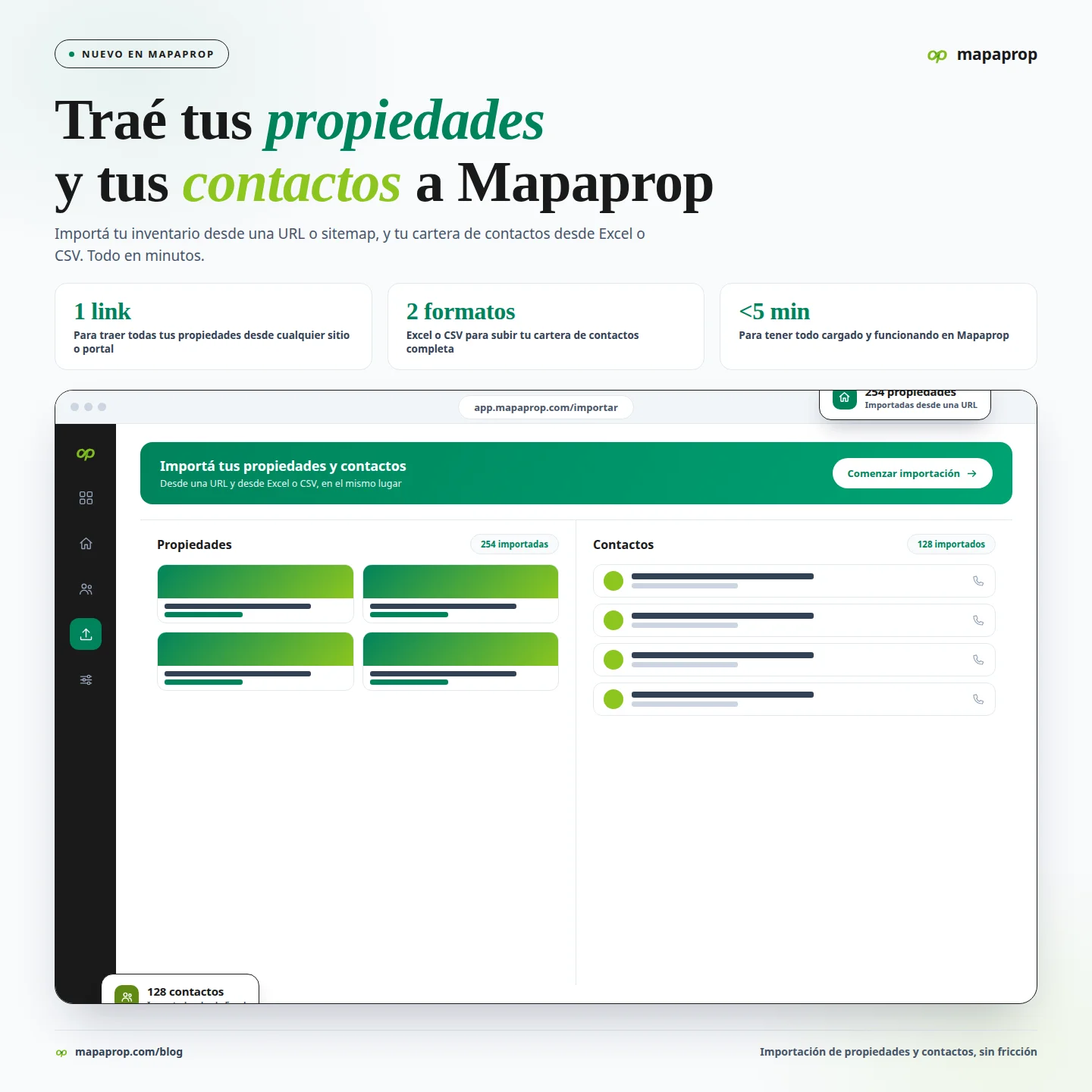
Starting to use a new platform — or moving away from the one you have been using — always runs into the same quiet obstacle: everything you already built somewhere else. Your property inventory loaded into a previous system, on your website, on some portal. Your contact portfolio — years of owners, prospects, tenants, and colleagues — sitting in an Excel spreadsheet or in your old CRM. Loading all of that by hand, one by one, is the reason many real estate agencies keep postponing the move indefinitely.
With Mapaprop you can import your properties and your contacts to start operating quickly. Bring everything you have and get going.
Two imports, one goal: get started with everything already loaded
Mapaprop manages three things in one place — properties, contacts, and leads. So you can use the full platform from day one, you have two ways in, one for each commodity you bring with you:
Import your properties
If you already have your inventory published somewhere — your own website, or a few portals — you do not need to load it all over again. Paste the public URL and Mapaprop extracts the property automatically: photos, price, features, description. And if you have many, importing by sitemap lets you bring your entire inventory in one shot.
You can also load manually, import from HTML or JSON, or even fill out a listing with AI by pasting a free-form text. Whichever path fits best depending on where you are coming from.
And you get ongoing technical support for this feature: if you run into any issue, incompatibility, or doubt with an import, write to support and we will help you sort it out.
Import your contacts
Your customer portfolio comes in from an Excel (.xls / .xlsx) or CSV file, free and with no contact limit, on every plan — including Free. You upload the file, map the columns to the CRM fields, and in minutes your entire portfolio is loaded.
Mapaprop automatically recognizes the most common export templates and pre-builds the mapping for you. You choose the branch, add the columns that do not fit a specific field as notes, and you are done. And something key when migrating a large portfolio: it never creates duplicates. If a contact already exists, it is not loaded again — the new notes and tags from the file are added to it, without repeating. You can re-import as many times as you need.
Coming from another system? Send us your file and we will speed up your migration
Not every portfolio comes equally tidy, and not every inventory is in the same format. If you have an export from another CRM that does not quite fit, a sitemap.xml from your current site, or a spreadsheet built your own way, do not fight the format: write to us and send us your file. We will review it, adapt it, and help your import go in clean and fast.
We want the work you already put in over the years to keep serving you — now inside Mapaprop.
Why bring everything over? To use Mapaprop in full
Importing is not the finish line, it is the starting point. Once your inventory and your portfolio are in, everything that makes Mapaprop a platform — and not just a standalone tool — kicks in:
- Publish once, appear everywhere. Your properties go out automatically to ZonaProp, MercadoLibre, Argenprop, Cabaprop, MeMudoYa, Proppit, and more — plus Facebook, Instagram, and WhatsApp. You load it once; when you edit, it syncs on its own.
- Your website with real-time inventory. A real estate website with your own domain that instantly reflects what you load, with search and blog included.
- Every inquiry in one unified inbox. Messages from every portal land in a single inbox, connected to your contacts.
- CRM with a sales funnel. Track every contact through stages, measure your conversion, and work your portfolio with full history.
- Price Map, Statistics, MLS Networks, and more as you grow.
That is the real reason to bring everything you have to Mapaprop: every property and every contact you import starts working for you across the whole system, instead of sitting saved in a spreadsheet.
How to get started
- Properties: from the panel, + Add > Import Properties, or by pasting the URL when loading a new property.
- Contacts: from Contacts > Import (also available at + Add > Import Contacts).
Full documentation in the Help Center: Import properties · Import contacts.
And if you would rather have us give you a hand with the migration, write to us: we are here so you can start with everything loaded and no friction.
Also in this release
Other improvements included in the release:
- Publish to Facebook Pages — we added the integration to publish your properties directly to your agency's Facebook Pages.
- Revamped Mapaprop Agent — the AI support chat improves response quality and adds moderation.
- Cobrokering in Deals — record operations you share with another agency directly in Deals.
- Chat AI improvements — phone number search and streaming responses for a smoother conversation.
The full list of changes is available at System Versions.
The Mapaprop team and Ricardo Asensio.